BotLedger: Free WordPress Plugin to See and Block Bot Traffic
On many online stores, more than half of the requests reaching the server now come from bots: AI crawlers collecting training data, SEO tools, scrapers copying your prices, and scanners looking for a way in. Every one of them uses bandwidth and server time you pay for, and most never show up in Google Analytics.
BotLedger is a free WordPress plugin that shows you exactly which bots visit your site and what they cost, then lets you decide what to do about each kind: allow, slow down, challenge or block. You can try its bot checker and robots.txt generator below without installing anything.
Thanks, your download has started.
If it didn’t, download BotLedger 0.1.0 here. Then go to Plugins → Add New → Upload Plugin in WordPress.
Try it: check a bot, or build robots.txt rules
Both tools use the same list of 155 bots the plugin uses.
Tick the groups you want to keep out. Add the rules to the end of your robots.txt file.
robots.txt is a request, not a lock: well-behaved crawlers like GPTBot and ClaudeBot follow it, but scrapers ignore it. BotLedger enforces the same rules on your server, and keeps robots.txt in sync for you.
See BotLedger in action
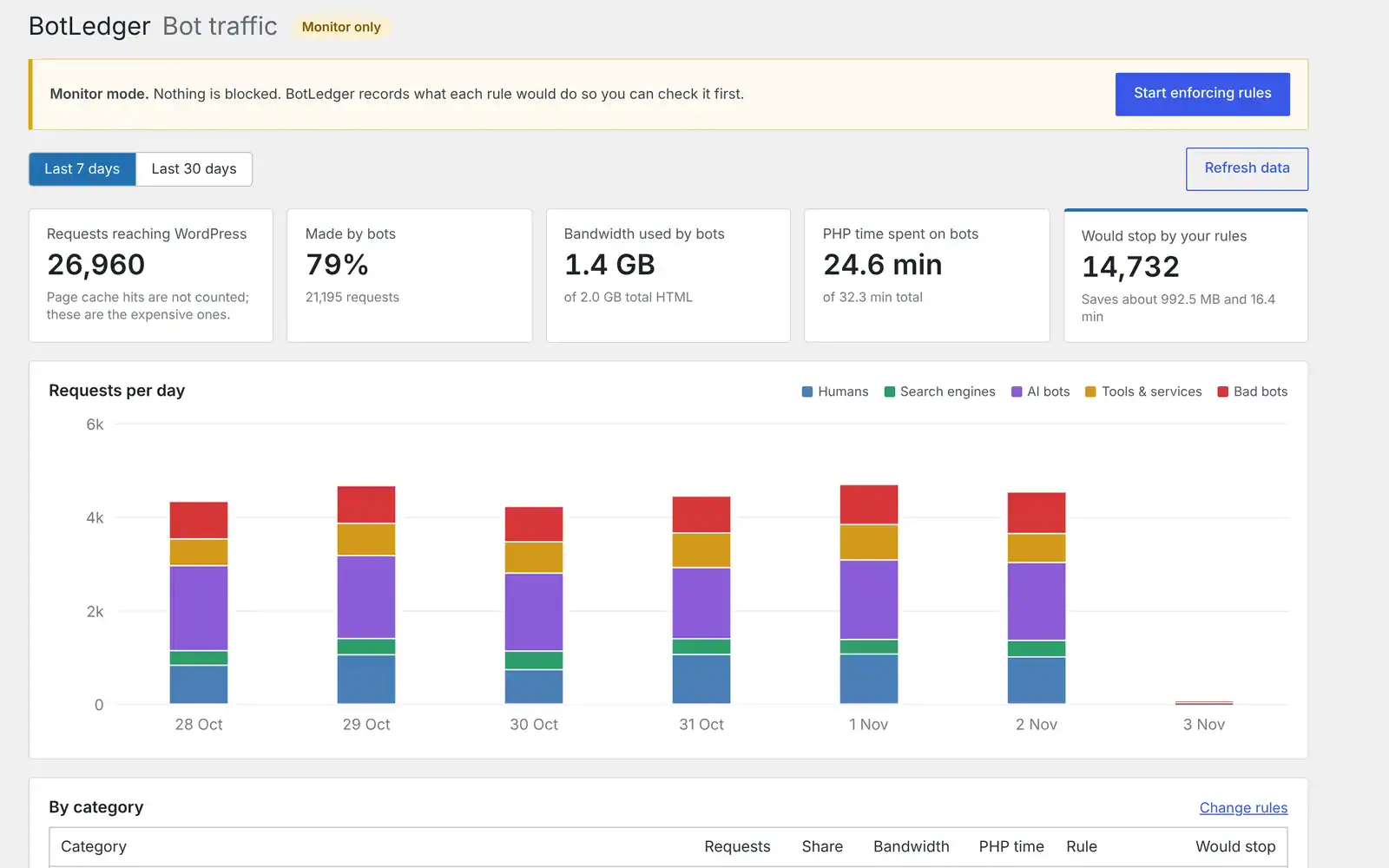
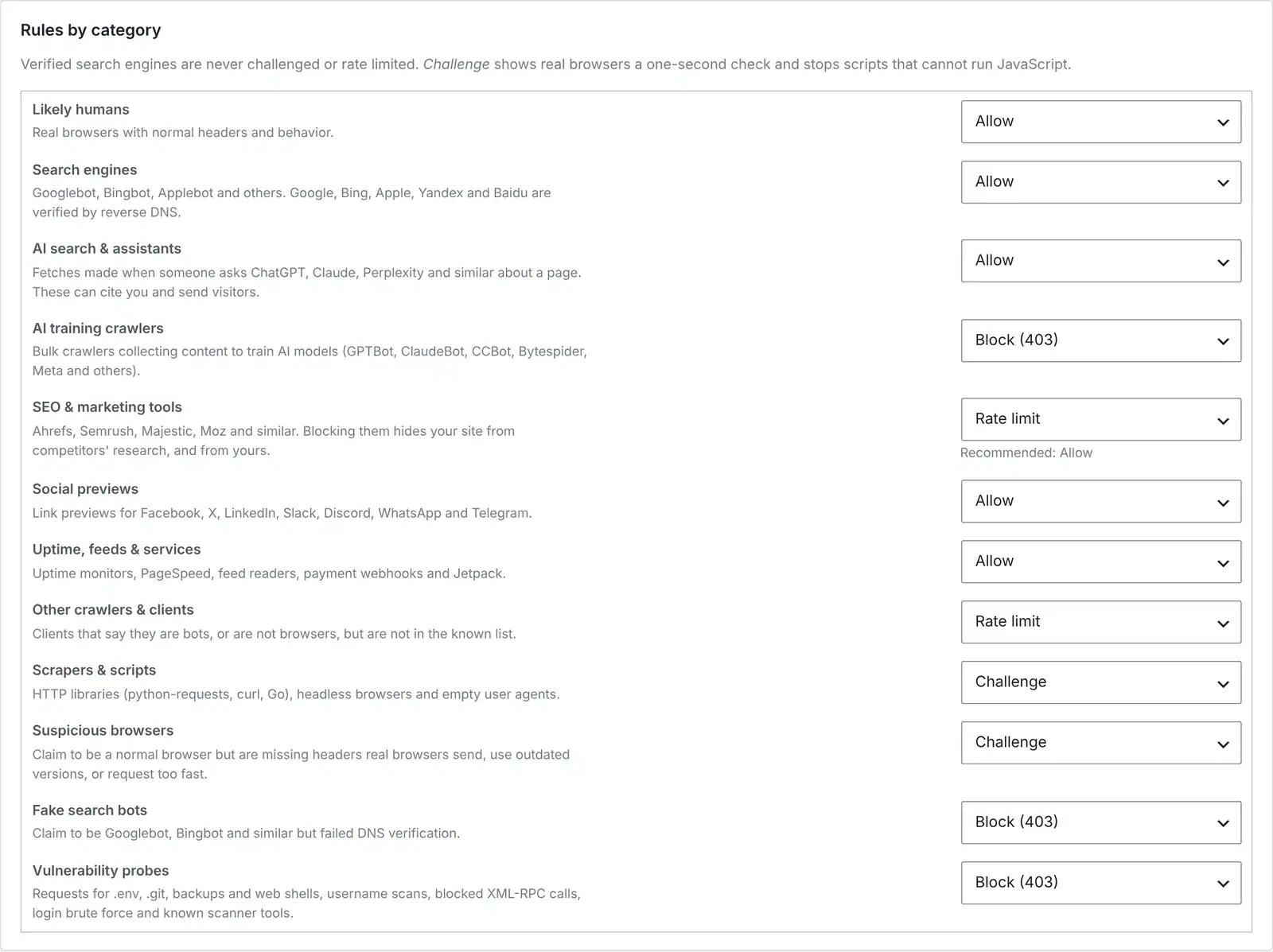
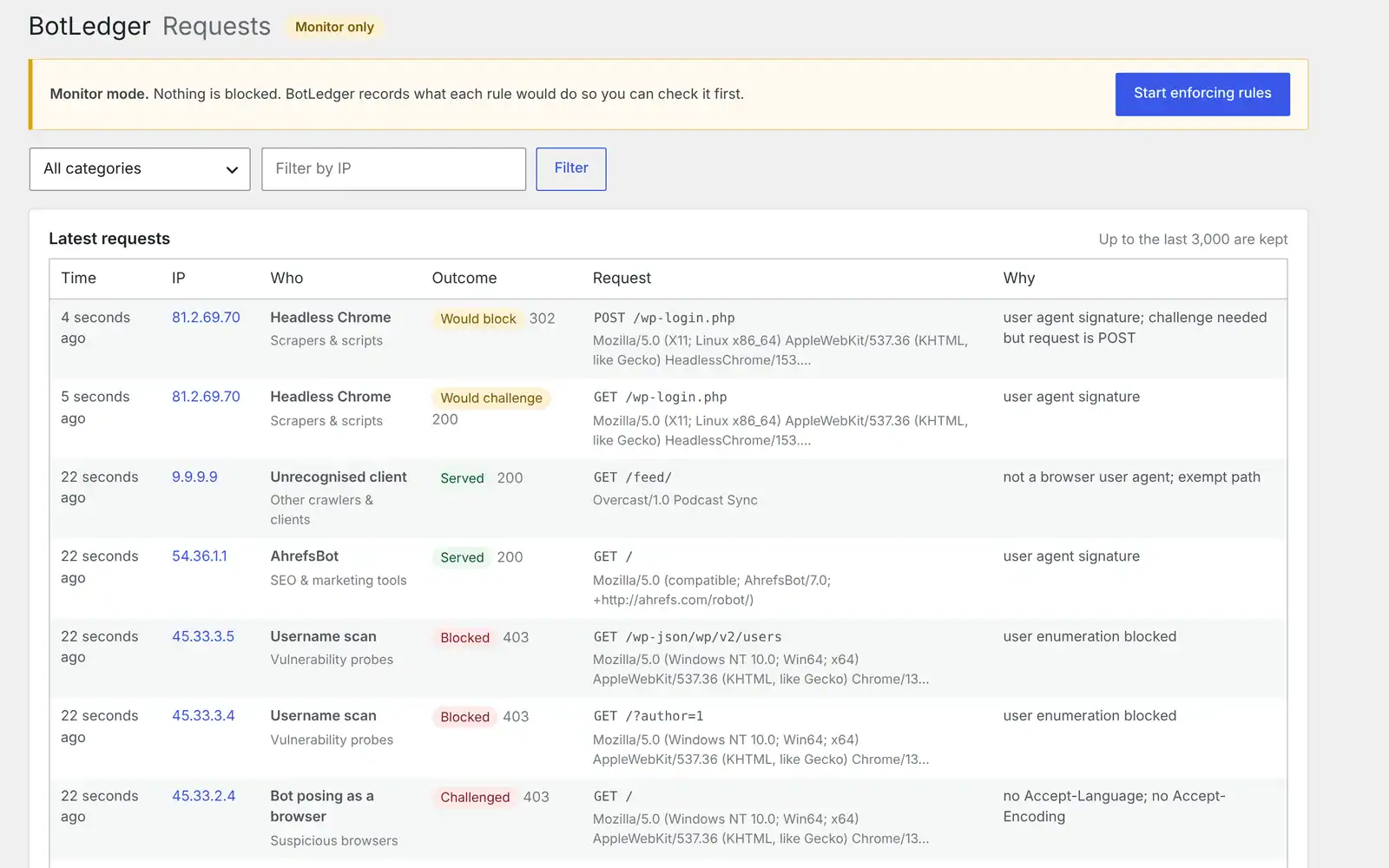
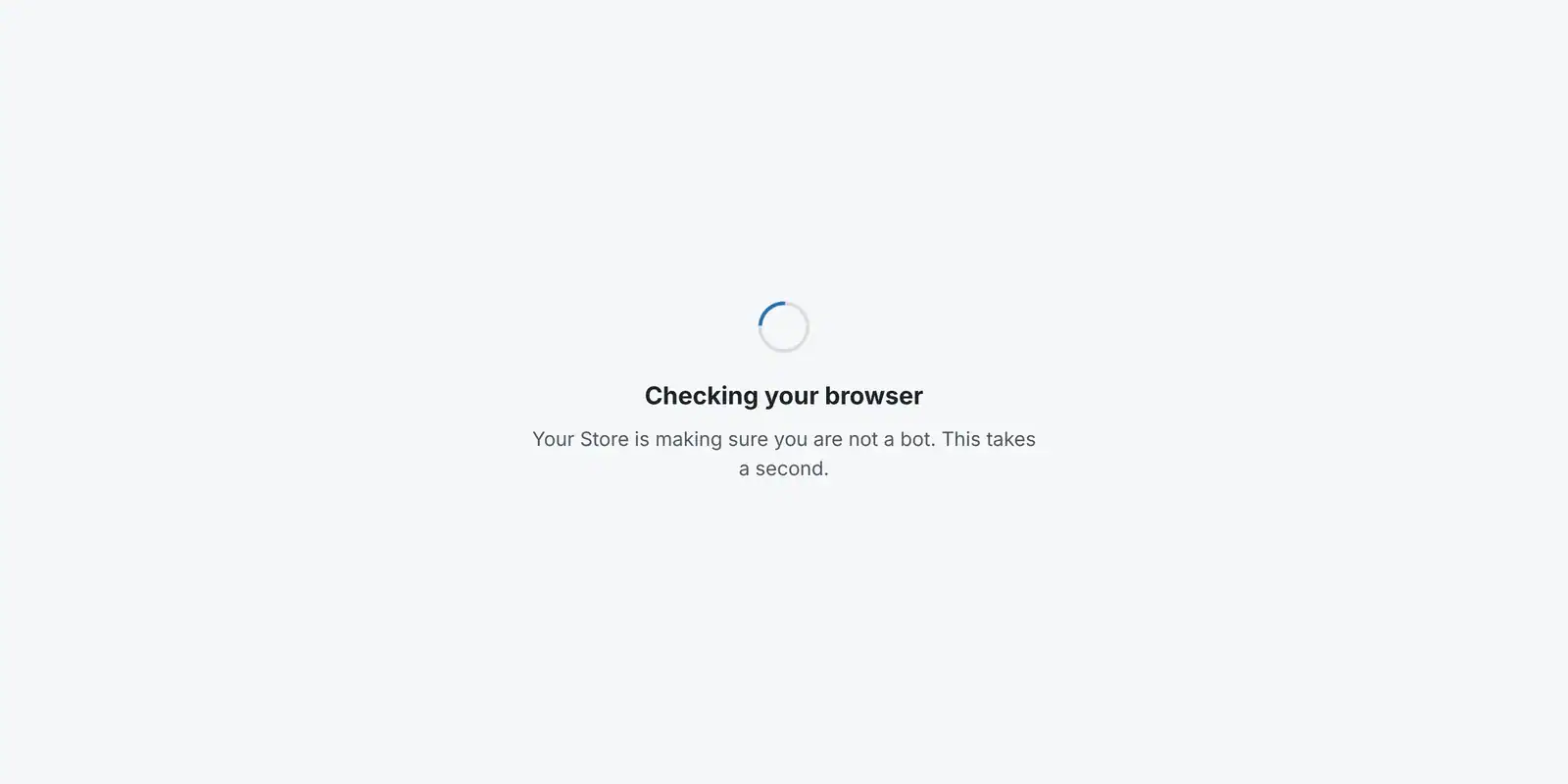
Here’s the plugin running on a test store: the cost dashboard, the rules screen, the live request log and the check a suspicious visitor sees.
What BotLedger does
- Shows what bots cost you. A dashboard breaks down requests, bandwidth and PHP time by bot type, and estimates how much your rules save.
- Recognises 155 known bots, grouped into search engines, AI assistants, AI training crawlers, SEO tools, social previews, monitoring services, scrapers and vulnerability scanners.
- Catches fake Googlebots. Requests claiming to be Google, Bing, Apple, Yandex or Baidu are checked with a reverse DNS lookup. Fakes are blocked, the real ones are never touched.
- Spots bots posing as browsers by missing headers, outdated browser versions and request floods.
- One rule per category: allow, rate limit, challenge (a one-second browser check, no CAPTCHA), block, or block with a 402 “licence required” notice for AI crawlers.
- Protects your login and store: limits login attempts, blocks username scans and requests for files like
.envand database backups, and can switch off XML-RPC. - Keeps robots.txt in sync with your rules and can publish an
llms.txtfile that tells AI assistants how they may use your content.
How to install it
- Fill in the short form above to download the zip file.
- In WordPress, go to Plugins → Add New → Upload Plugin, choose the zip and click Activate.
- Leave it in Monitor only mode for a few days. Nothing is blocked; BotLedger records what each rule would do.
- Check BotLedger → Dashboard. If your site is behind a proxy other than Cloudflare, set where visitor IPs come from in Settings.
- When the categories look right, click Start enforcing rules.
Which bots should an online store block?
Keep search engines and AI assistants. Googlebot and Bingbot bring your organic traffic. AI assistant fetchers such as ChatGPT-User and Perplexity-User visit when a shopper asks about a product, and they can cite and link to you.
Block AI training crawlers if you don’t want to give your content away. GPTBot, ClaudeBot, CCBot, Bytespider and Meta’s crawler can fetch thousands of pages a day to train models. They don’t send customers, and blocking them doesn’t affect your Google rankings.
Think before blocking SEO tools. Ahrefs and Semrush crawl heavily, but blocking them also hides your site from your own SEO research. Rate limiting is a good middle ground.
Challenge scrapers and fake browsers. Price scrapers often use scripting libraries or headless browsers. A challenge stops anything that can’t run JavaScript while letting real shoppers straight through.
Frequently asked questions
Will BotLedger hurt my SEO?
No. Search engines are allowed by default, and verified ones are never challenged or rate limited. Only requests that pretend to be Googlebot but fail DNS verification are blocked.
Does it work with caching plugins and Cloudflare?
Yes. Cached pages are served before WordPress loads, so BotLedger only counts and acts on the uncached requests that actually cost you server time. Behind Cloudflare it reads the real visitor IP automatically.
Will it slow my site down?
It loads before your other plugins, keeps its counters in memory where your host allows, and never writes to the database on a page view. Request details are batched and processed every five minutes.
Will it block payment webhooks or my podcast feed?
No. WooCommerce and payment webhooks, RSS feeds and the WordPress REST API are exempt from the generic bot rules by default, and Stripe and PayPal notifications are recognised as trusted services.
Is it really free?
Yes, with no account or sign-up. This is an early beta, so start in monitor-only mode and let us know if anything looks wrong.
Cut your other costs with our seller profit calculator, payment fee calculator and courier price comparer, or see all our free tools.